Projection Mapping
For event producers, AV integrators, museum and retail designers, and live performers who need fast, low-cost projection mapping without pre-masking workflows.
What is pattern‑gated projection mapping?
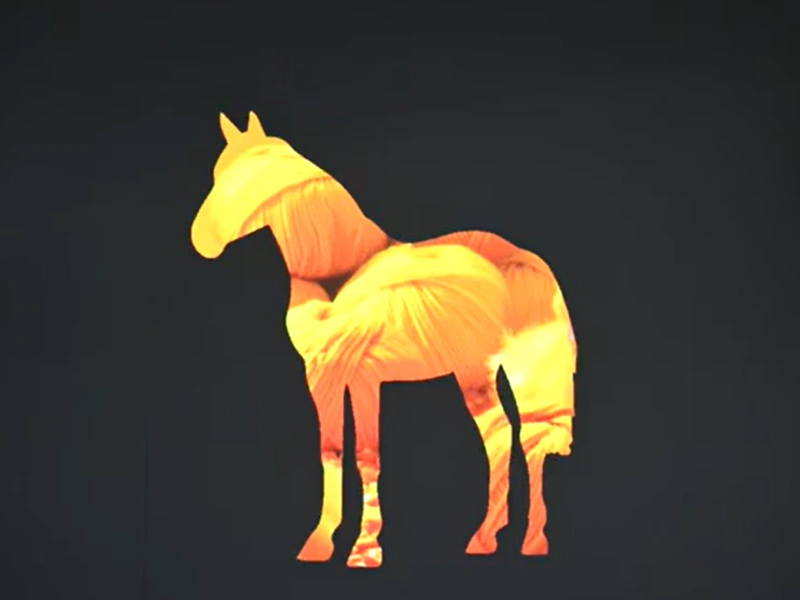
- Upload monochrome image patterns, then choose whether content appears in the white or black areas. No pre-render or pre-mask is needed. Load up to 10 patterns and loop them for dynamic playback across shows and installations.
Key Capabilities
- Pattern control: Display content in white or black regions of a monochrome mask.
- Multi-pattern playback: Upload up to 10 patterns for creative looping or sequence cues.
- Cost-sensitive workflow: Skip pre-rendering and compositing steps to cut setup time and budget.
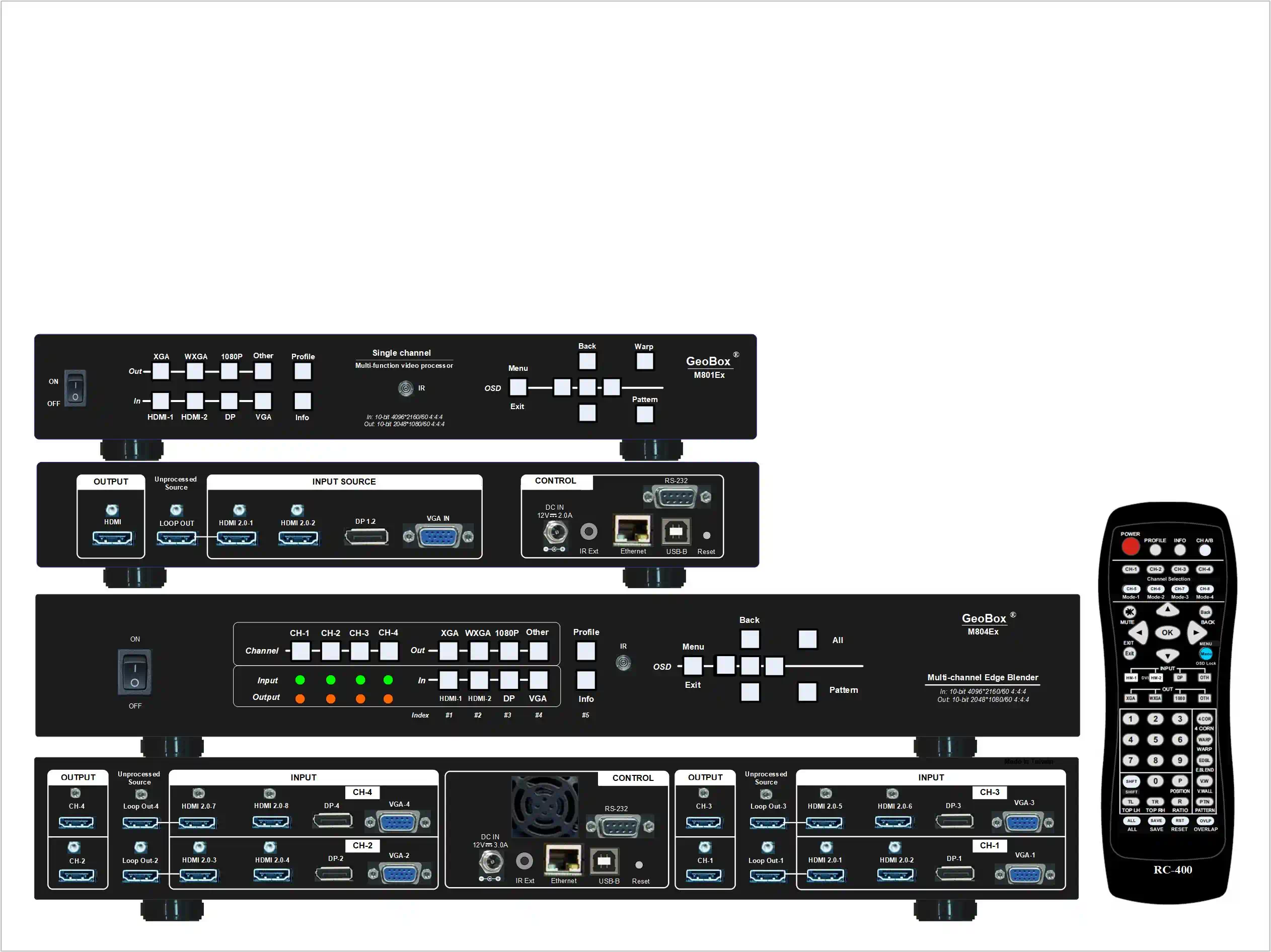
- Works with projector warping: Integrate projector warping to align content to irregular surfaces and correct geometry.
- Fits blended setups: Compatible with edge blending and video wall controllers for large canvases.
Real-World Use Cases
- Live events: Map visuals to set pieces without pre-rendering—use pattern masks and projector warping to align content on stage façades.
- Museums & galleries: Rotate themed exhibits—load multiple patterns and loop them to refresh content zones by time of day.
- Retail & brand activations: Target specific product zones—gate content to silhouettes with monochrome patterns; adjust geometry via projector warping.
- Themed attractions: Keep projection mapping flexible—swap patterns per scene without re-rendering the entire timeline.
Common Questions
- How do I map content to only certain parts of a surface?
- Upload a monochrome pattern and choose white or black as the display region.
- Can I run multiple masks in one show?
- Yes—load up to 10 and loop or cue them.
- Do I need to pre-render masked content?
- No—masking is applied at playback.
- How do I correct geometry on curved or irregular surfaces?
- Use projector warping to align the projection before applying patterns.
- Will this work with blended multi-projector canvases?
- Yes—combine with edge blending and controller tools for large screens.